Free shipping for orders of $89.95+. Flat rate shipping $8.95 for other orders.

Art Guidelines

For Your Art to Remember Fundraiser

Showcase Your Art Program, Bring Joy To Families, And Knock Your Fundraiser Out-Of-The-Park With High-Impact Art!

dragonfly-drawing

Paper & Proportion

Please use the 8” x 10” paper provided by Art to Remember in your Starter Kit.

  • Artwork can be vertical or horizontal.
  • If using your own art paper, choose a good mixed-media paper to prevent tearing or curling, rectangular dimensions (close to 4:5 aspect ratio), and no larger than 12” x 19”.
  • White paper surface is the ideal surface for your students’ masterpieces; colored paper can wash out when digitally captured.

What To Draw

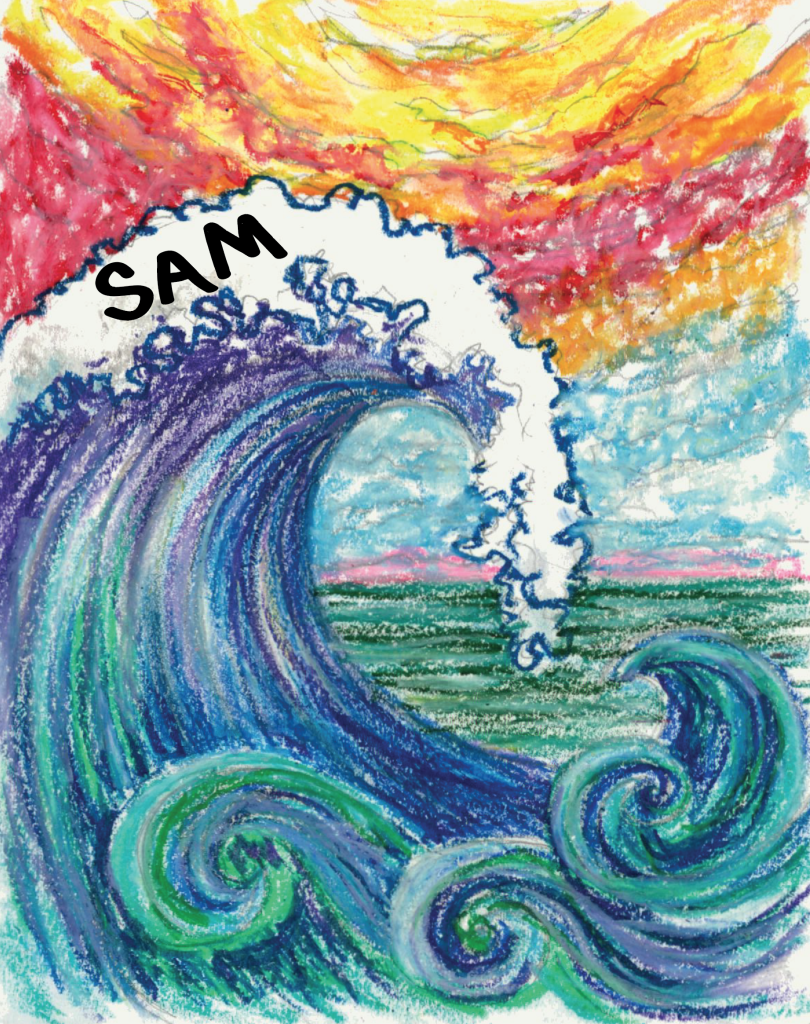
Guided or themed projects have a much higher impact than free choice!

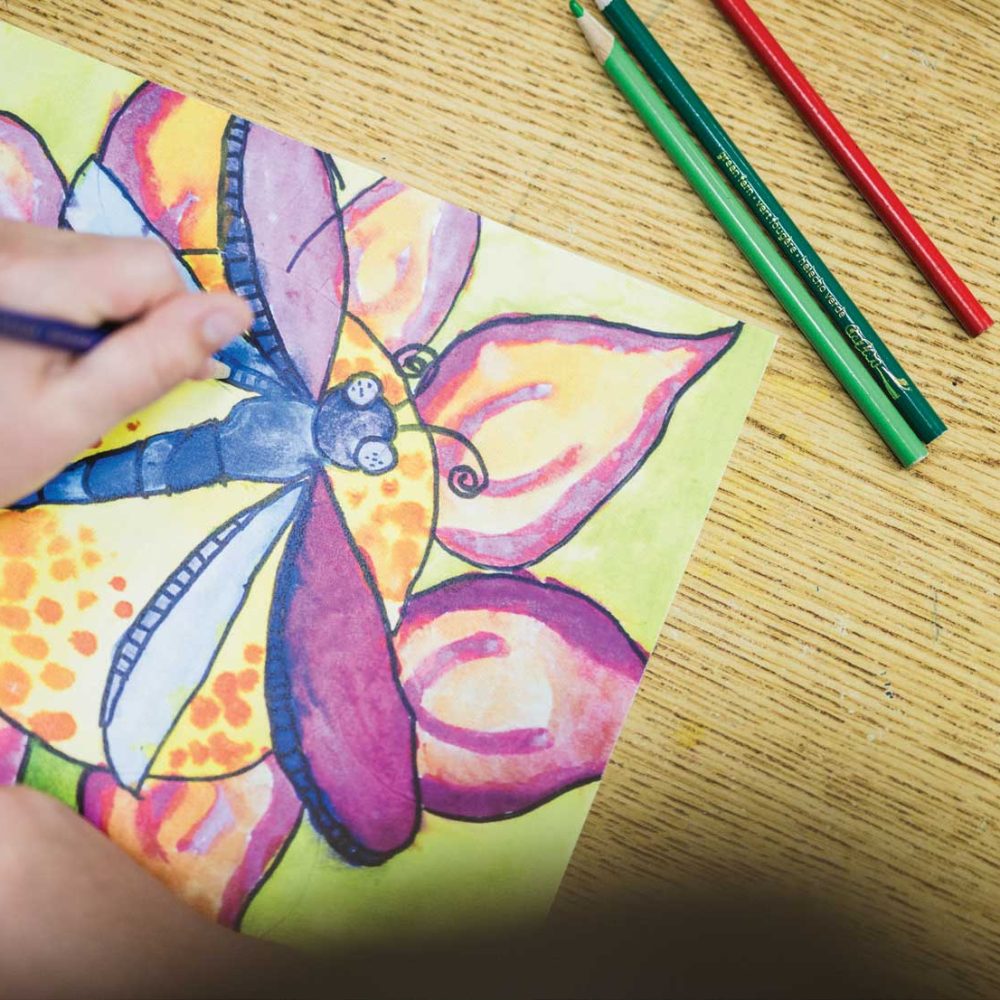
  • Choose grade-specific themes that feature a large main idea as the central focus.
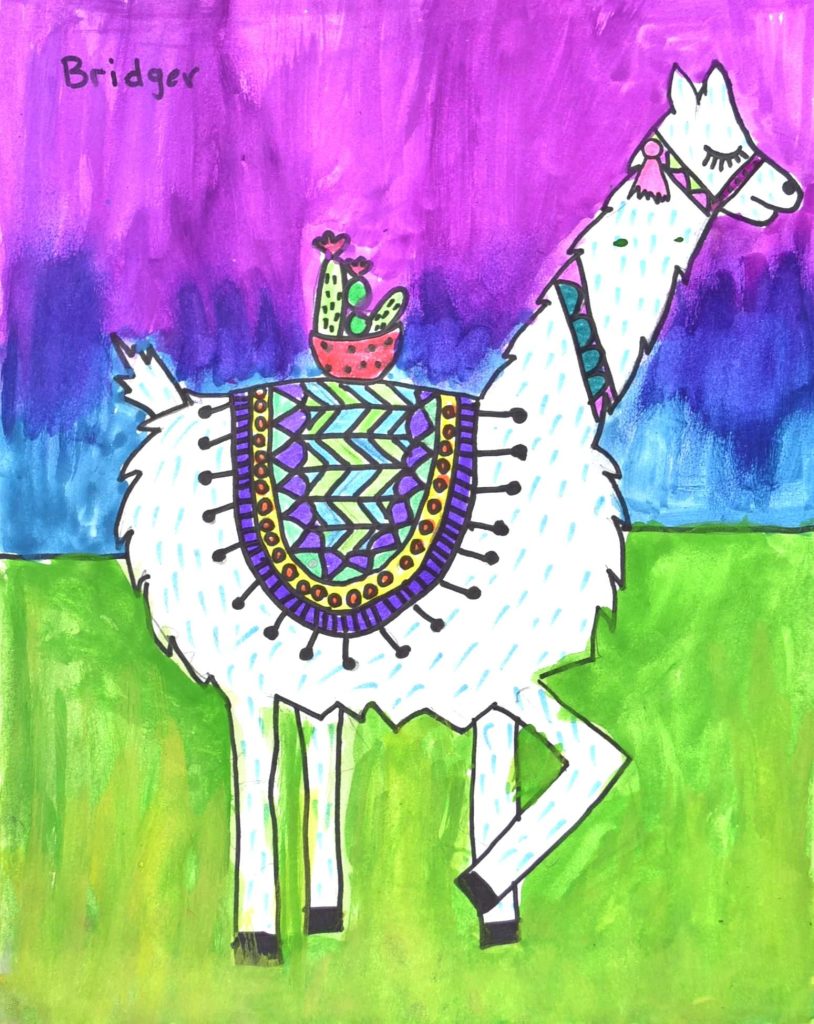
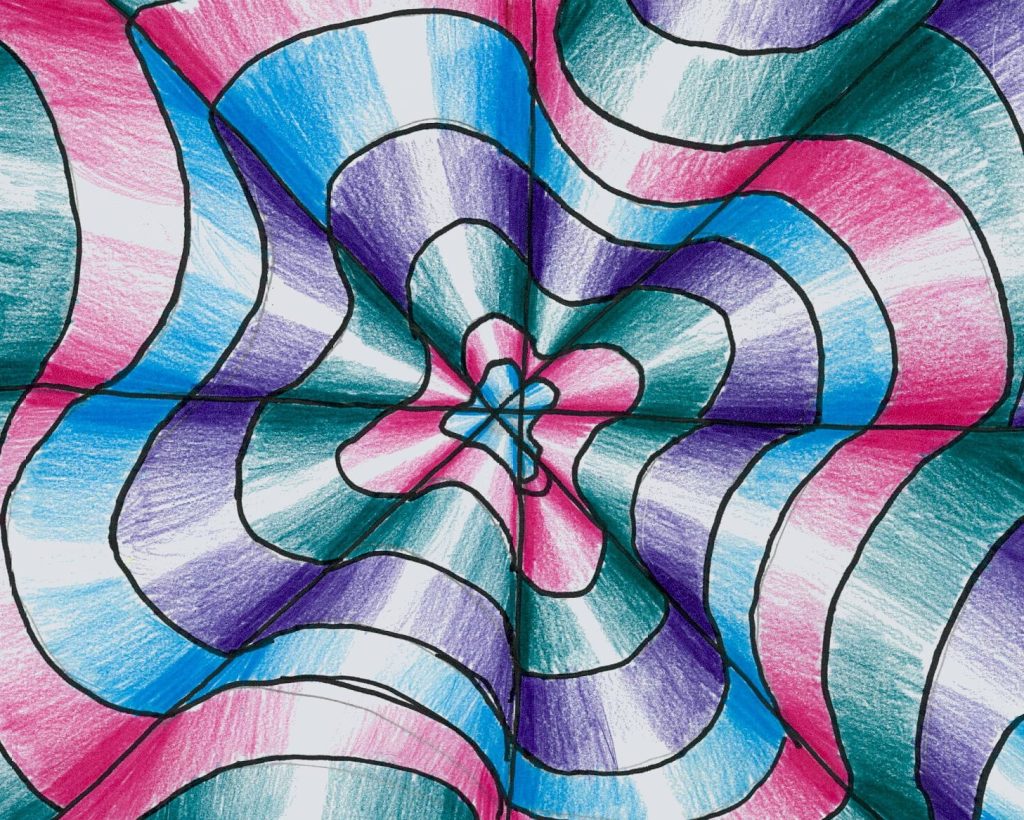
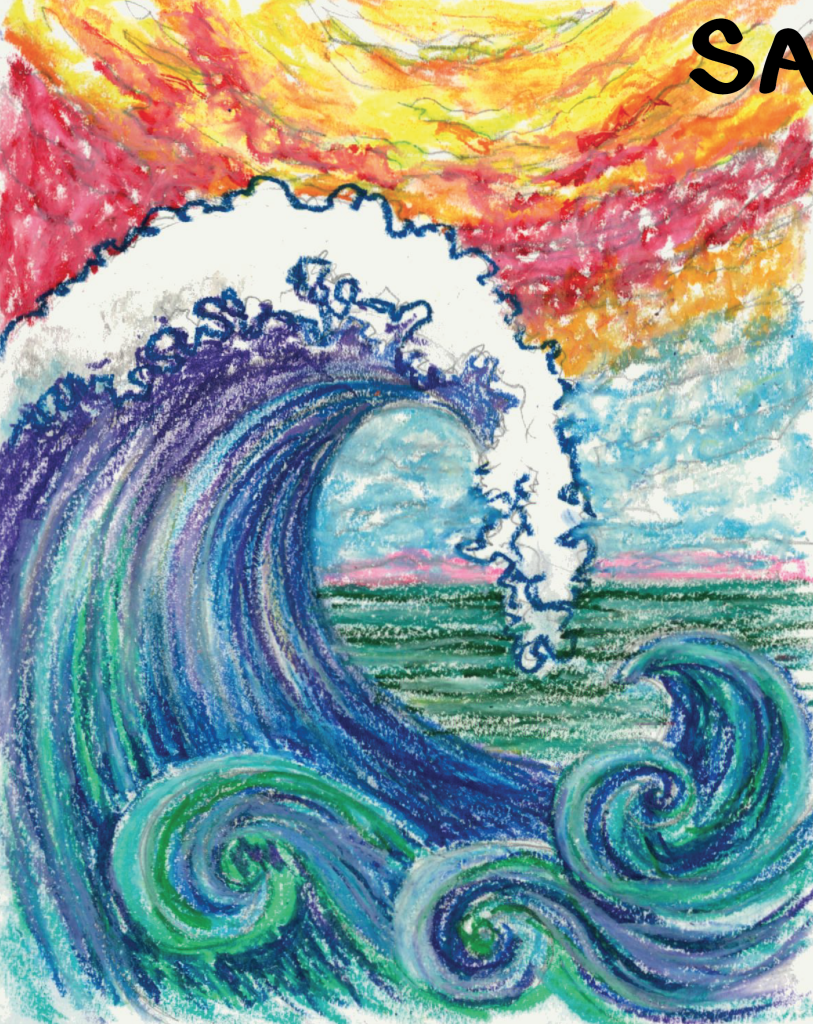
  • Use bold, eye-catching colors that fill the page edge-to-edge, minimizing white space.
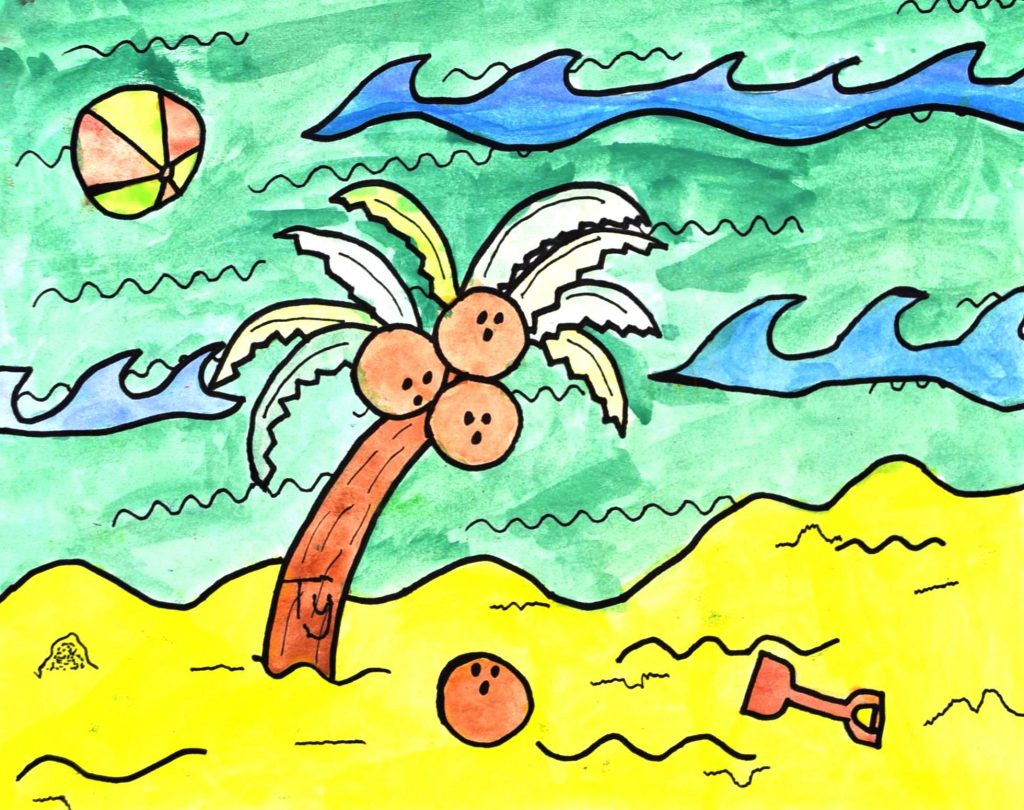
  • Subject matter with proven success: nature themes, pets, landscapes or wildlife that reflect your area, nostalgia items (e.g., gumball machines), in primary ages self-portraits or family portraits.

Art Medium

Markers, crayons, watercolor, tempera paint, acrylic paint, and paint sticks are GREAT options for showcasing vibrant art!

  • Please seal oil or chalk pastels with a fixative like Krylon matte finish.
  • For collage art, be sure all pieces are well glued, so they don’t fall off during shipping or digitally capturing.
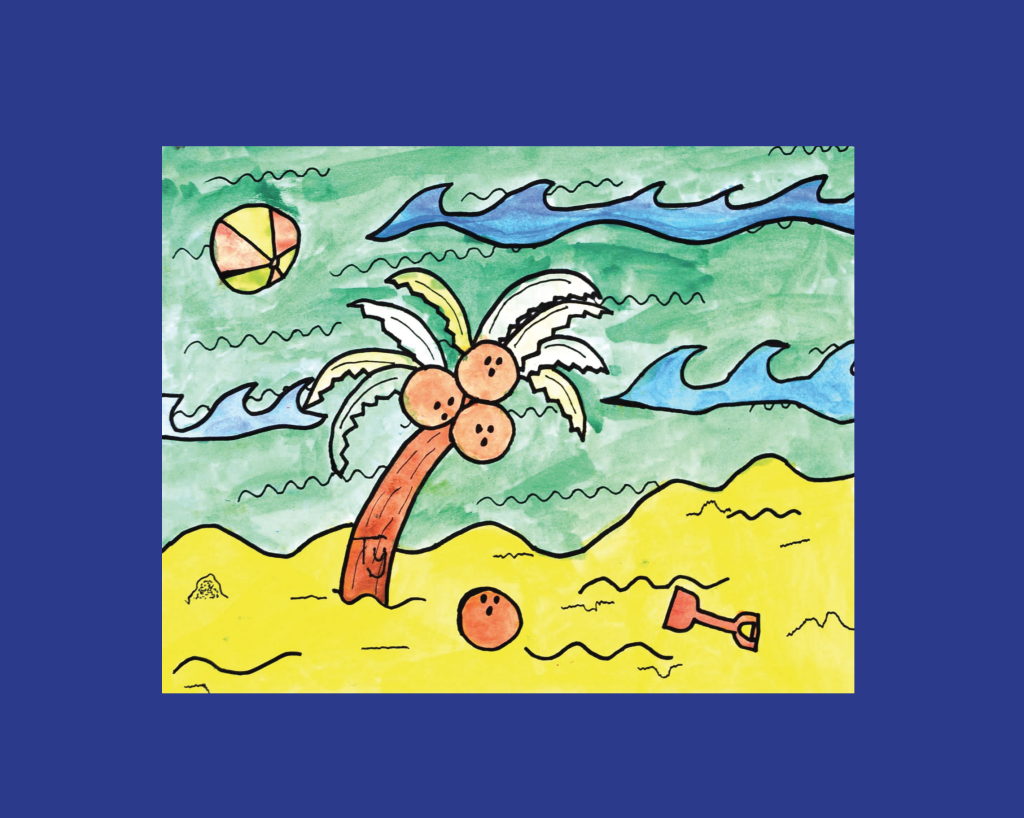
  • To maximize the size of artwork, don’t use mats or borders. Note that staples will show up on digital captures and reproductions.
  • Avoid incomplete projects, art that extends beyond the edge of paper, and light-colored pencil or crayon.
  • Some materials create unwanted shadow or glare when art is digitally captured. Please no lamination, foil, glitter, sand, salt, or 3D objects (e.g., googly eyes, feathers, yarn).

Labeling

Parents appreciate seeing their child’s name on art!

  • Be sure to keep names 1” away from edge of paper as slight cropping occurs on some products.
  • To keep things organized, record student name, grade, and teacher in pencil on the back of art.
  • Affix student labels from Art to Remember to the back of finished artwork.
  • If you put the label on too soon, its outline might show through on the front as students are drawing.

Guidelines For Submitting Digital Art Images

We recommend shipping original art to Art to Remember for professional digital capturing. If
you plan to submit any artwork in digital format, please follow these guidelines:

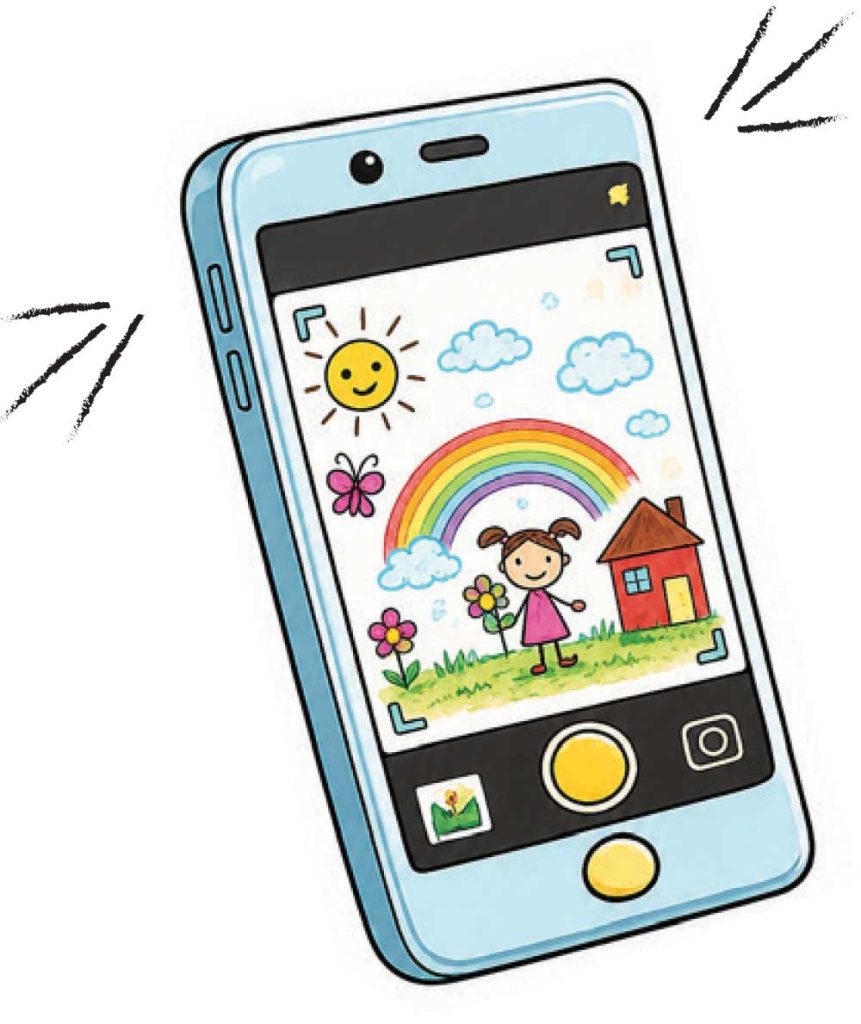
If possible, scan your artwork. Otherwise follow these tips for photographing artwork:
Recommended file type, size, and resolution
  • File format: jpeg or png
  • Max file size: 10MB
  • Min. resolution: 300 dpi
  • Horizontal images: 1400×1100 pixels
  • Vertical images: 1150×1450 pixels

To avoid distortion or shadows on your art, gently tape artwork to the wall near natural diffused lighting, or place the art on a flat surface and photograph it from above. Be sure to hold your camera so it is parallel to the art. Crop off any unwanted background or use the editing tool when you upload art through your Coordinator’s Portal.

Check out
our inspirational
lesson plans!

Visit The Resources Section Of Your Coordinator’s
Portal For A Look Book Of Art Ideas!
Visit The Resources Section Of Your Coordinator’s Portal For A Look Book Of Art Ideas!